Laser designs
Designs that resize to your material.
Set the size you want and the thickness you actually have. The joints re-cut themselves to fit, the 3D preview updates as you drag, and you download an SVG that's ready for the bed.
All designs
Cut, assembled, then published.
13 published
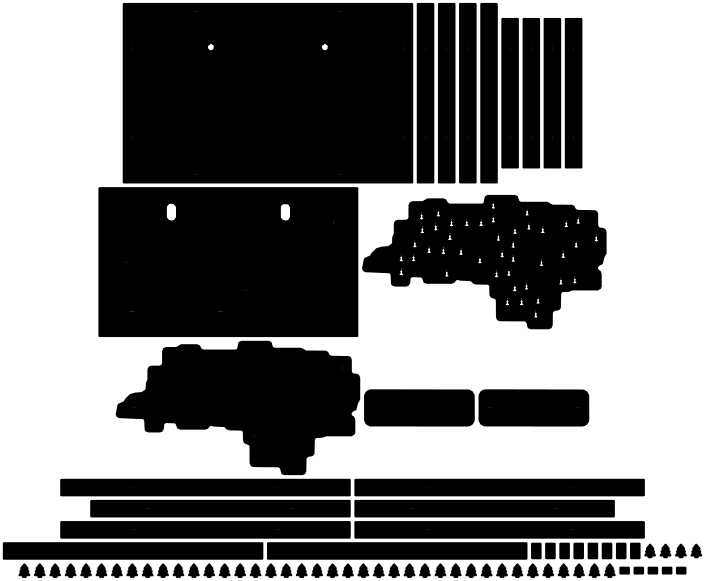
North Carolina State Parks Map
Every state park in North Carolina, a peg for each one you've walked.
78 parts · glue · medium
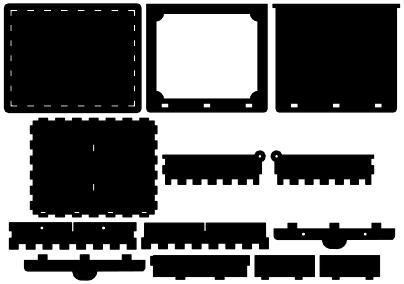
Keepsake Card Box
A hinged card box that clicks shut on hidden magnets, engraved with your own words.
13 parts · glue · medium
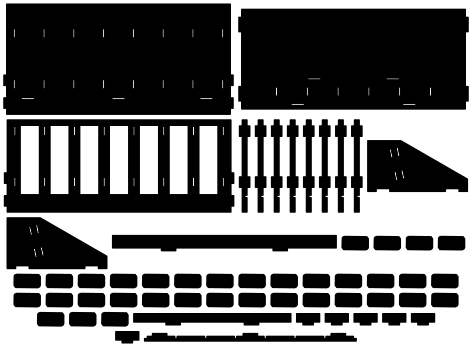
Habit Tracker
Drop a tile for every habit you keep, one channel for every day.
57 parts · press-fit · medium

Mailer Box
A thank-you, a message or your logo engraved on a flat-pack shipping box before it's folded.
1 parts · press-fit · easy
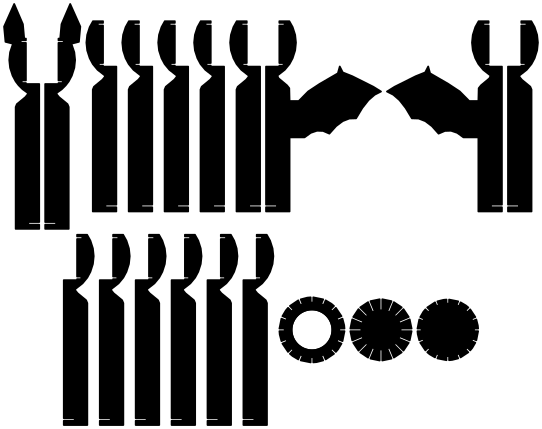
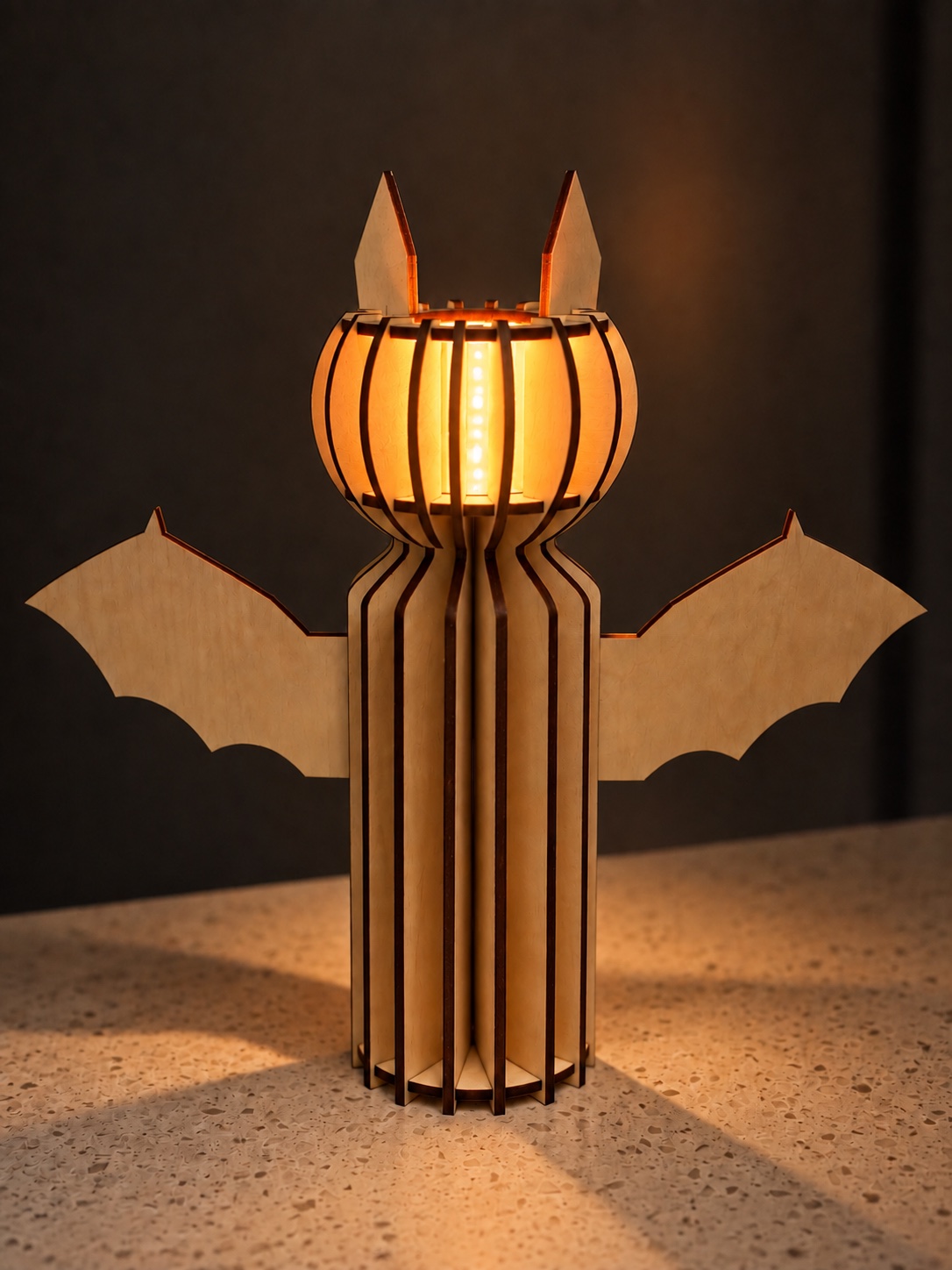
Bat Column Lantern
A bat of radial fins with a candle glowing inside its head.
19 parts · press-fit · medium
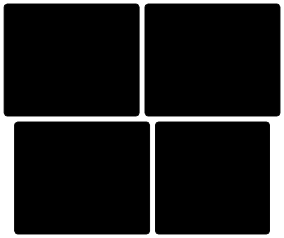
Engraving Test Cards
Four grids of test patches to find the engraving settings your wood wants.
4 parts · press-fit · easy

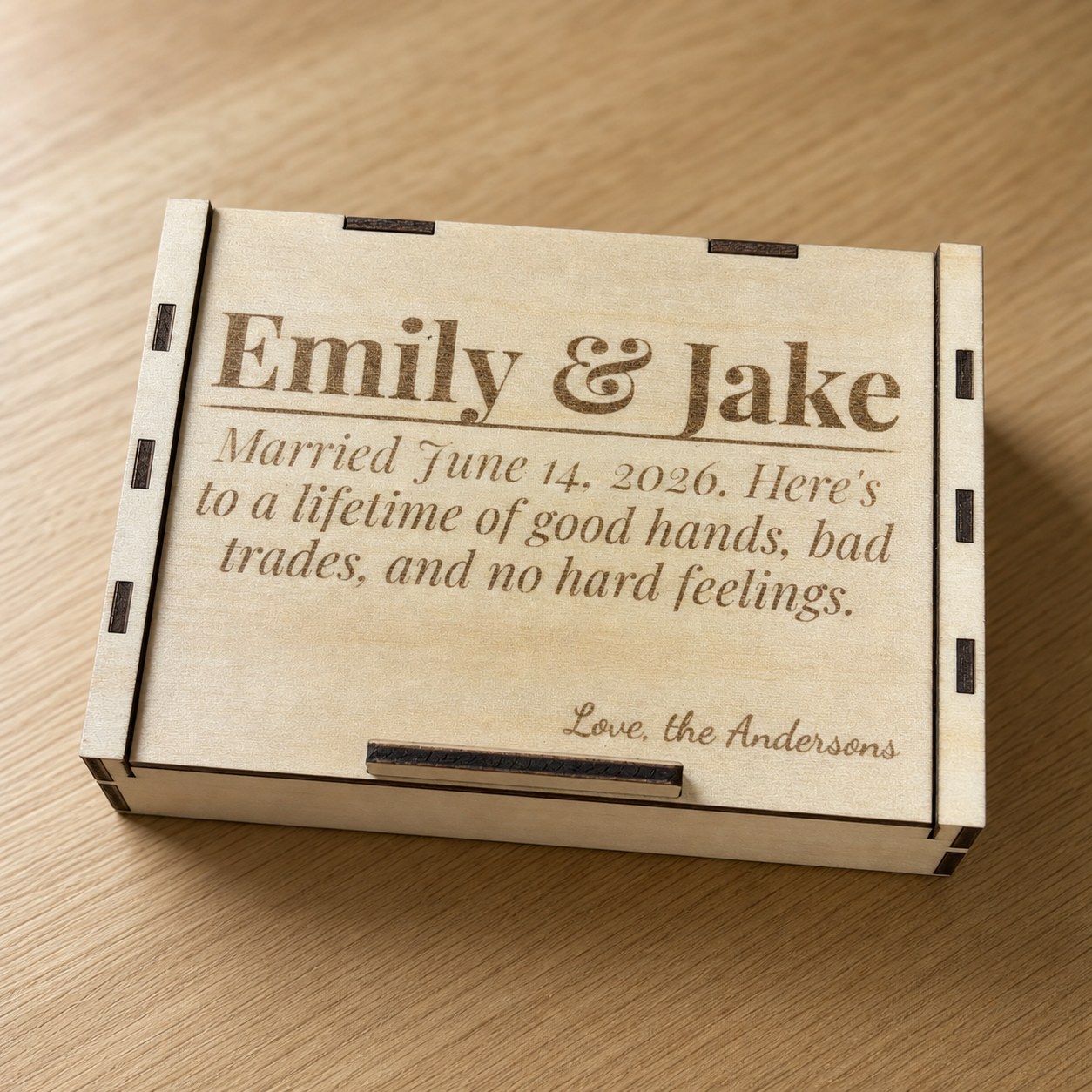
Sliding Card Box
A card box with a sliding lid, engraved with your own title and message.
12 parts · press-fit · easy
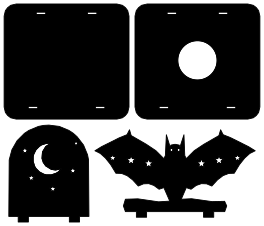
Bat Tealight Lantern
A bat on a branch, glowing eyes, a moon on the wall behind.
4 parts · press-fit · easy
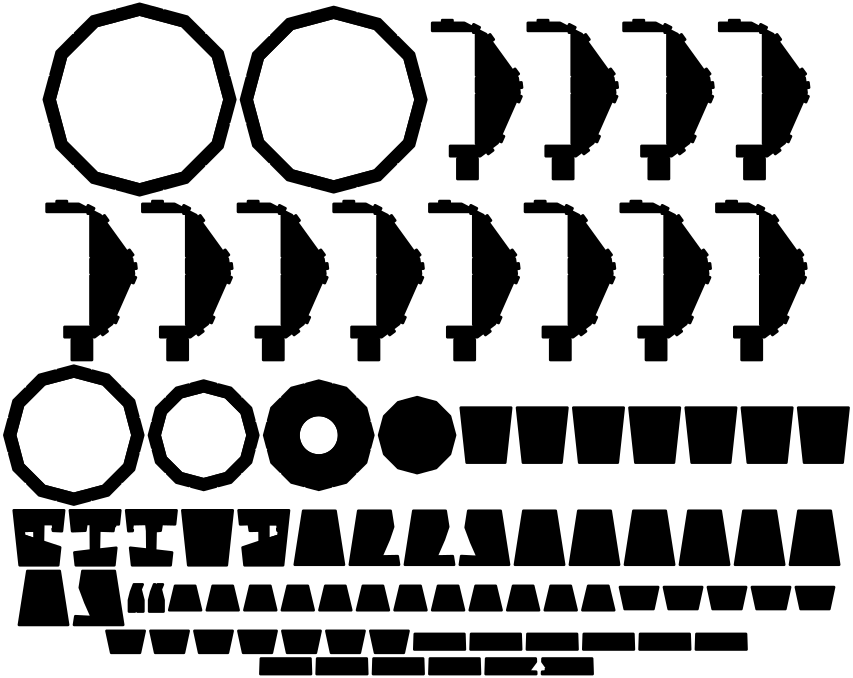
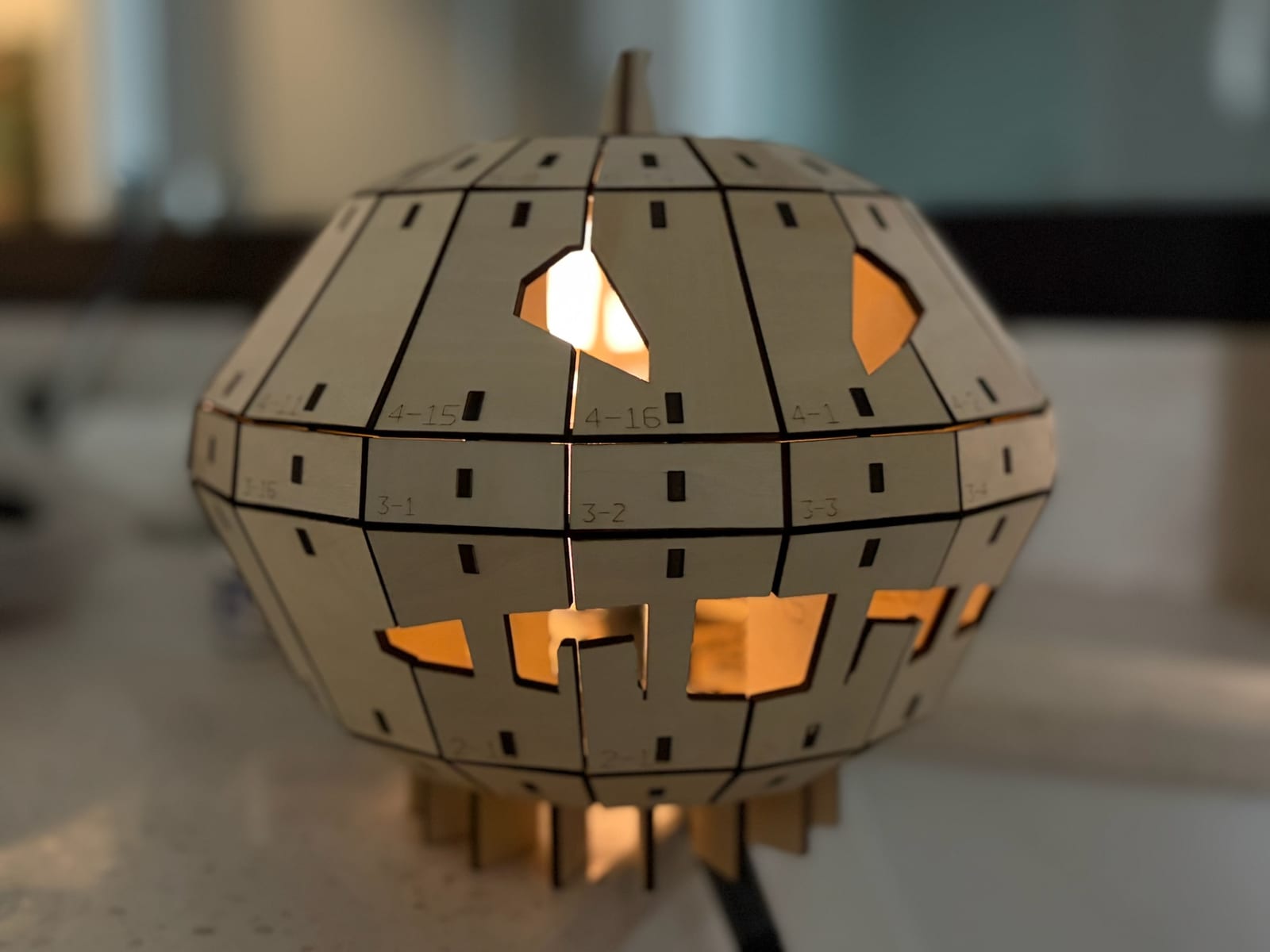
Pumpkin Lantern
A faceted jack-o'-lantern. Put a tealight under it and only the face lights up.
80 parts · press-fit · medium
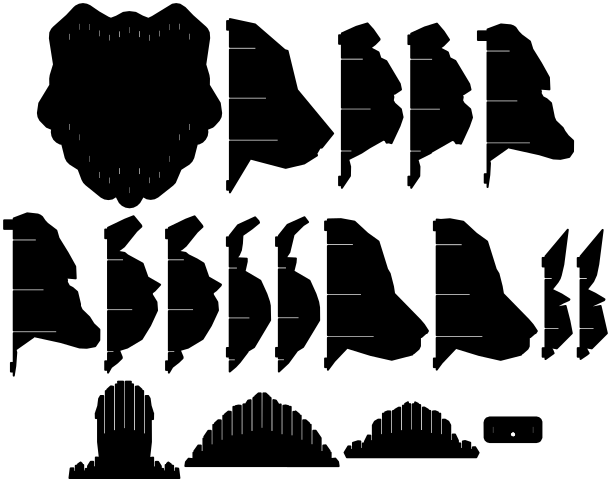
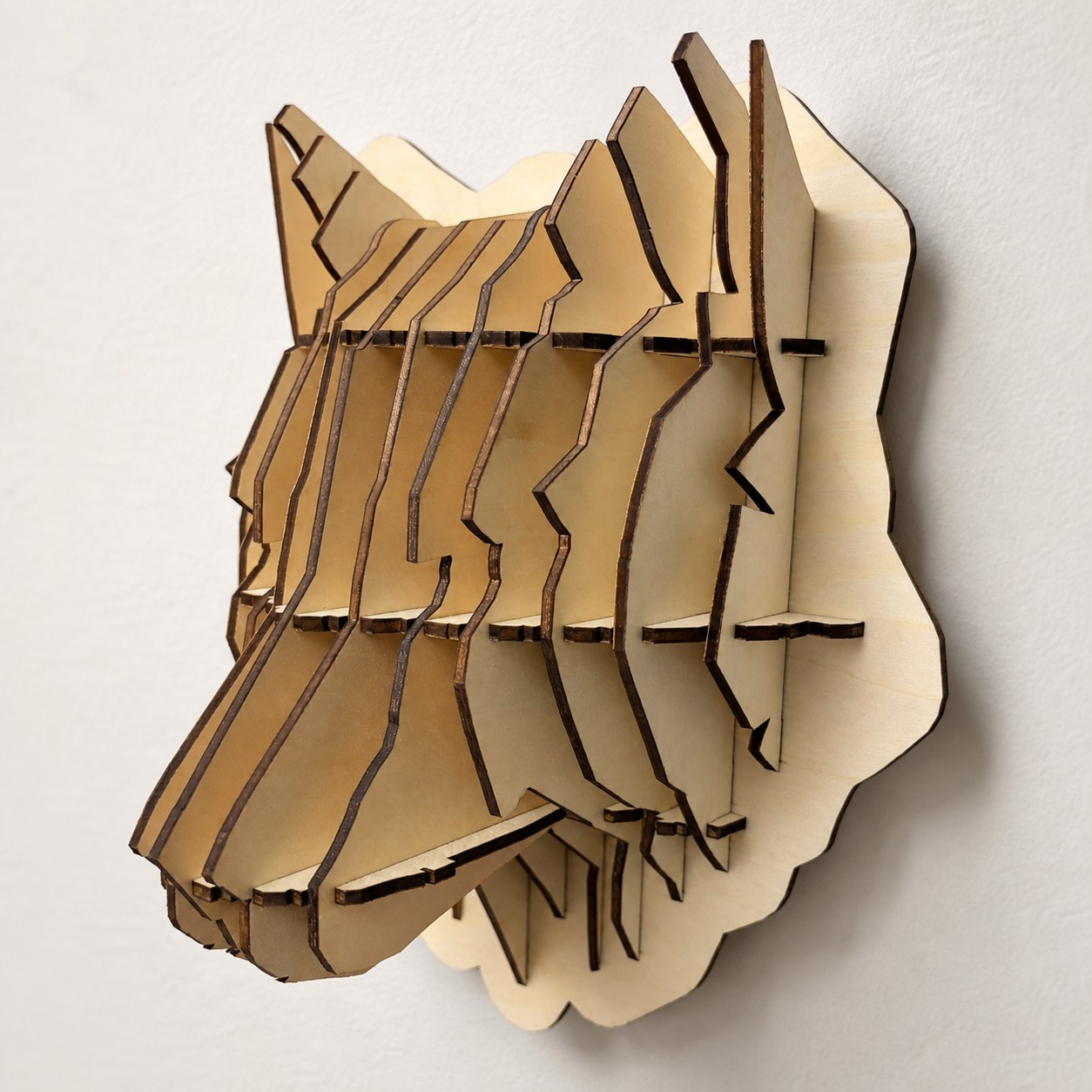
Sliced Wolf Head
A wolf trophy built from interlocking slices. No glue in the head itself.
18 parts · press-fit · advanced
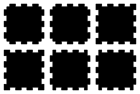
Wooden Die
A finger-jointed cube with engraved pips. Rolls, mostly fair.
6 parts · press-fit · easy

Finger-Joint Box
Any size, any thickness, presses together without glue.
5 parts · press-fit · easy
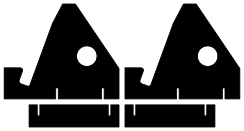
Slot-Together Phone Stand
Four pieces, no glue, packs flat in a drawer.
4 parts · press-fit · easy
How it works
Your material, your machine, your size.
01
Size it
Every design has its own sliders. Change a dimension and the 3D model rebuilds in front of you, built from the same shapes that get cut.
02
Match your material
Enter the thickness you measured and your laser's kerf. Slots and fingers adjust, so a press-fit is a press-fit on your sheet, not just ours.
03
Download and cut
A free account gets you the SVG, laid out for your machine's bed in real millimetres. Red cuts, blue scores, black engraves.
The story
Built to organise my own cutting first.

Ayman Hajja, PhD
I run NovaBrains, a small AI consultancy in Raleigh, North Carolina. I have a PhD and I have spent my career building software and AI systems.
I started laser cutting recently and I enjoy it more than I expected. Most of what I wanted to make needed the same things over and over: joints sized to the plywood I actually had, parts laid out for my bed, a way to see the thing before cutting it. So I built this: a set of designs that rebuild themselves to your material and your machine, with the cut files, the assembly and the real results in one place.
I made it to organise my own work first. Sharing it is the other half. Every design here is one I have cut and assembled myself; if a newer version has not been on the bench yet, its page says so.
Questions, a design idea, a cut that went wrong? Write to hello@novabrains.com, or tell us what you need.